Digital wellbeing
How Can You Watch Less Reels and Shorts?
Change how you start, watch, and leave short video feeds.
Why is it hard to stop short videos?
A new video arrives immediately, without a natural ending such as a chapter or page. Each swipe offers something different, making “one more” easy to repeat.
Understanding the design can help you set a limit without self-blame. Choose when to start and leave the feed.
To understand why feeds have no natural ending, read how infinite scrolling works .
Read the observational study of university studentson short video use and inattention as an association, not proof of cause. Its findings do not predict the same effect for everyone.
Find your entry point
Do you open videos directly or enter the feed while checking messages? Identify your usual cue: app icon, notification, shared link, or boredom.
Changing entry can be easier than stopping after you start. Switch off alerts, remove the icon, or try browser or desktop access for messages.
Choose a purpose and finish point
Before opening, state the purpose: one shared video or ten minutes of rest. Choose a timer, saved list, or video count as the ending.
Set the timer before watching. When it rings, leave without waiting to finish another video. This creates your own stopping cue.
Choose the exit before entering the feed
Make a short plan with a purpose and finish point.
“I will watch the video sent to me; when that item ends I will leave the app.”
Prepare the next action: put down the phone, stand up, and continue your next task.
Add a step before opening the feed
These steps create a short pause between automatic opening and a deliberate choice. None guarantees a result alone.
If you extend the limit every time, try the steps you can change in the ignore-limit cycle .
- Switch off short video and recommendation notifications.
- Remove the app from the home screen or sign out.
- Set a daily limit and a specific viewing period.
- Keep the phone out of sight in bed and at the desk.
- Use browser-only access if helpful.
Choose a break that meets the same need
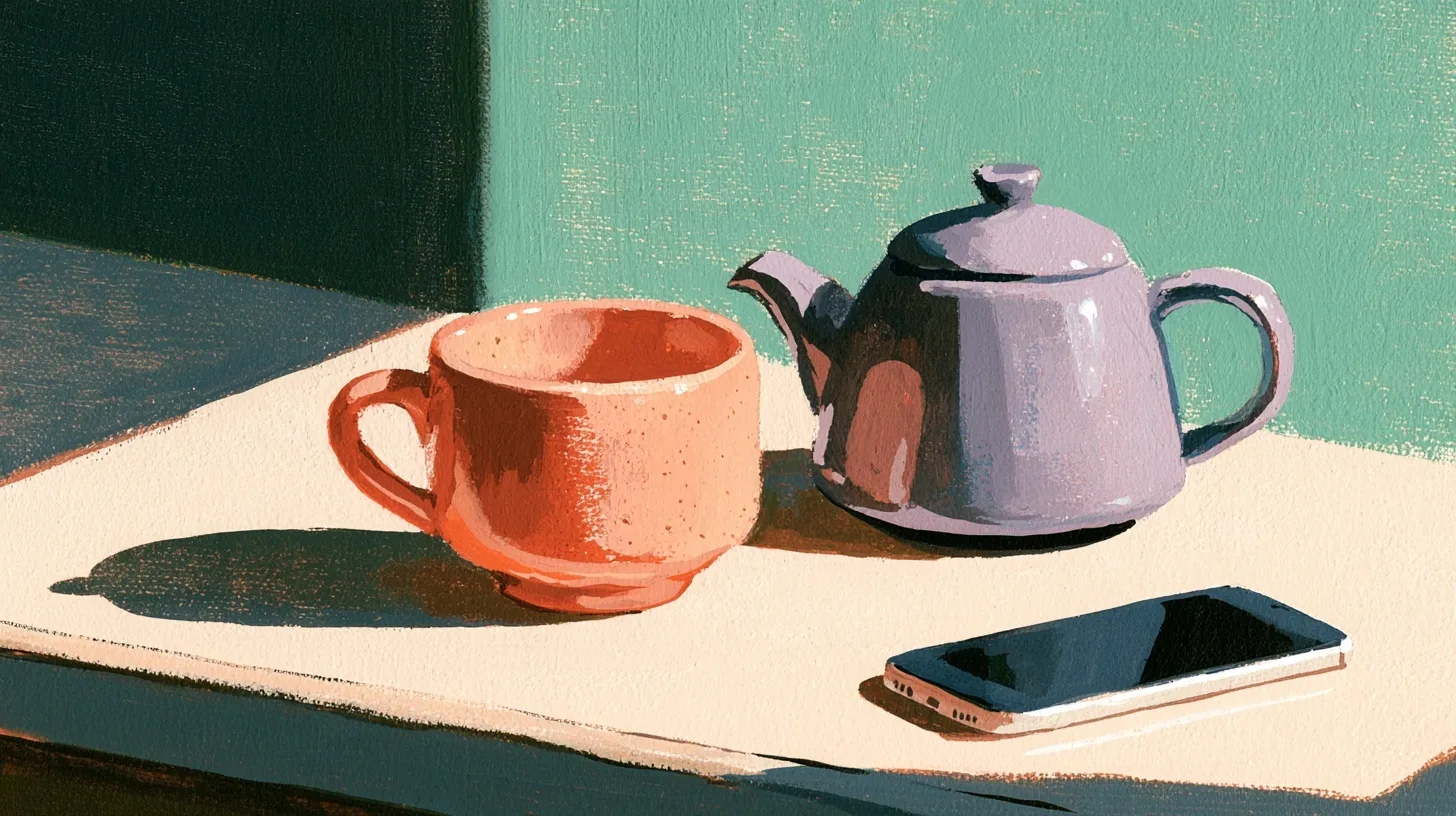
Short videos often offer low-effort rest. Try a short walk, one song, tea, looking outside, or light reading. A difficult replacement may be harder to maintain.
Choose and prepare the alternative before the break begins.
If returning to work after short videos is difficult, add the return routine for interruptions to your break plan.
A seven-day short video experiment
Some studies find an association between short video use and attention difficulties. Observational associations do not prove the same cause or effect for everyone. Assess your trial by daily function and control of your choices.
- Days 1–2Notice the time, feeling, and entry point when watching starts.
- Day 3Switch off notifications and remove the home screen icon.
- Day 4Choose one viewing period and a clear ending cue.
- Day 5Prepare two easy alternatives for your usual break.
- Day 6Move the phone away during one work or sleep period.
- Day 7Compare unplanned sessions as well as minutes.