
Sakin guide6 min
Block apps with NFC on Android
Try free phone settings first. If you want a physical start, learn what an NFC bookmark adds and which permissions it needs.

Sakin · Guides
Practical methods for screen time, focus, and more deliberate technology use.
All guides
Clear, practical methods you can try today.
Try free phone settings first. If you want a physical start, learn what an NFC bookmark adds and which permissions it needs.

Check three things: operating system, NFC support, and app availability in the official store.

A reading gift supports the person’s interests and chosen reading time. It does not set a task to change them.

Compare free phone settings, apps, and a physical bookmark. Choose for your phone, budget, and preferred way to start a session.

Prepare the next study period before you start.
Check the phone software, physical action, and purchase terms separately.

Try built-in phone tools first. Then assess a physical product’s cost and difference for your use.

Check when and why you remove the limit before choosing a stricter number.
Build a small system to reduce automatic phone checks and scrolling without removing useful phone use.

Use technology in ways that support your time, attention, and rest.

Change how visible and accessible your phone is, and what role it has during work.

Find the pattern that is hardest for you. Add a small pause that lets you choose.

Keep necessary people available and reduce other notifications for the task.

Change how you start, watch, and leave short video feeds.

Add your own cues for starting and stopping a feed.
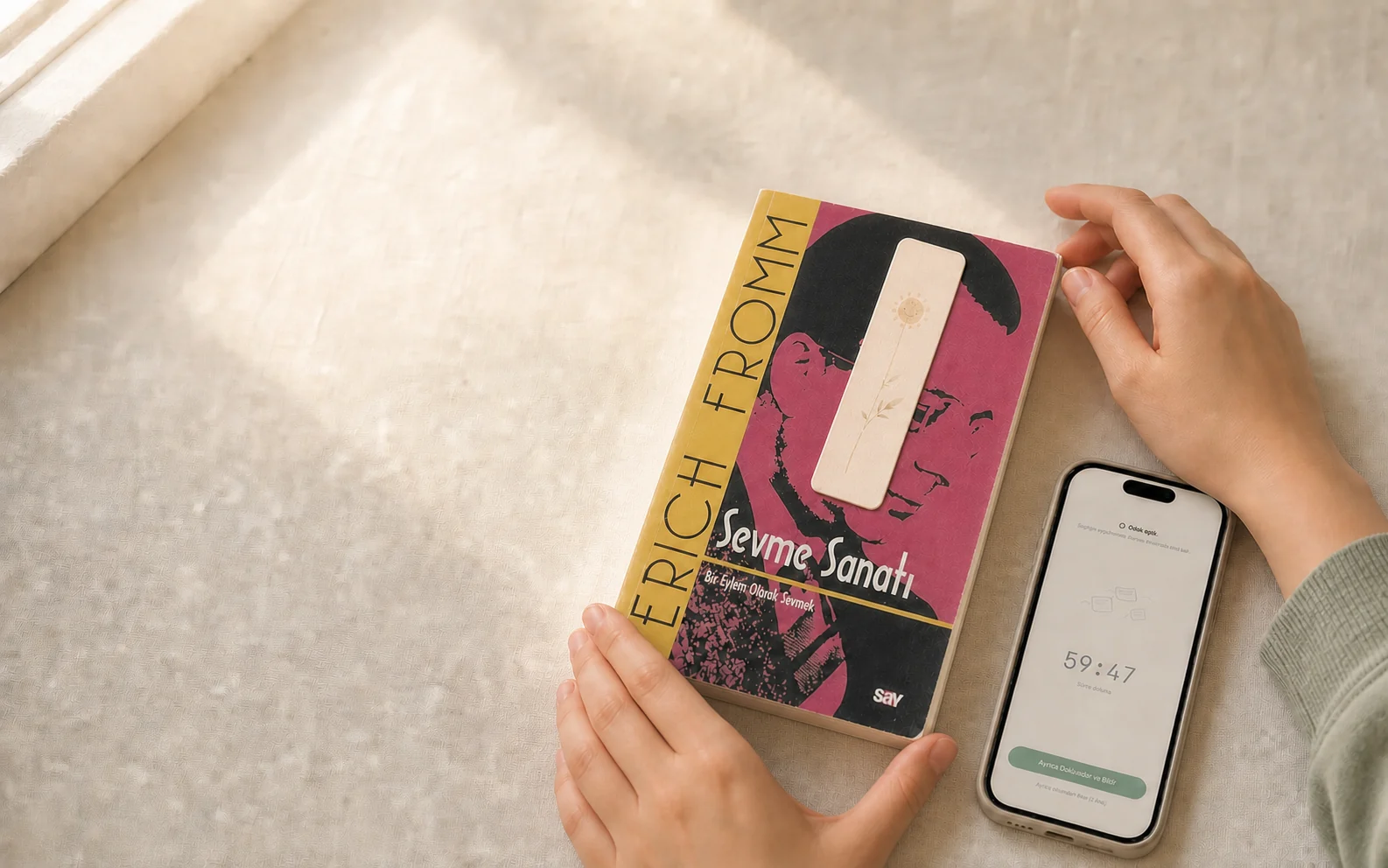
Choose a book, add a short reading period, and put your phone away. Use seven days to try a routine that fits.
Use iPhone reports and limits together with changes in daily behavior.

Phone checks are often automatic. Add a small pause before the action.

A thin bookmark can contain a passive NFC tag. A compatible phone reads it to start a defined action.